

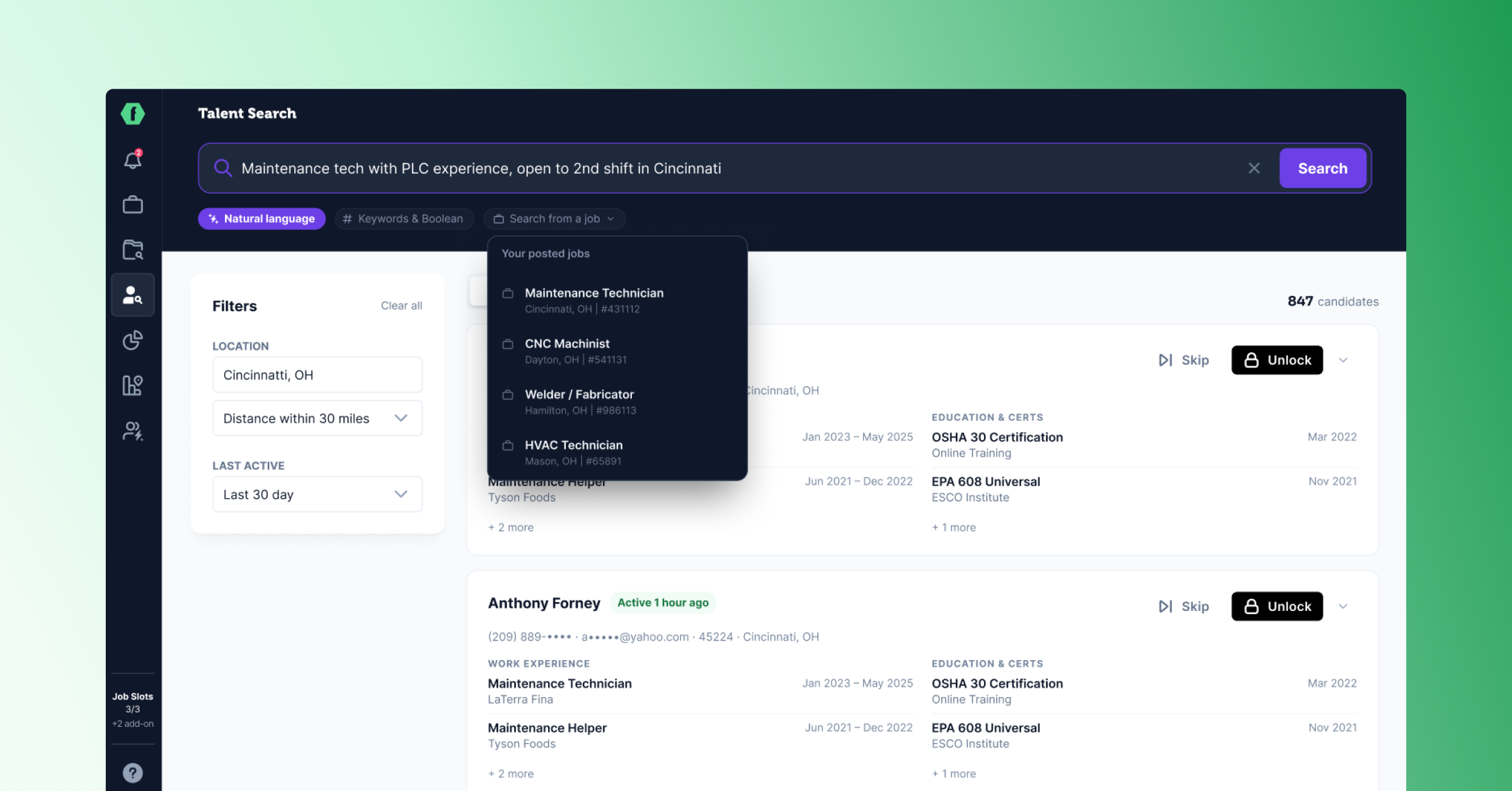
Our goal with FactoryFix has always been to give you a clear view of the people who matter to your hiring, and an easy way to reach them. The new Talent Search is a step toward that. It opens with one input, returns a real list of candidates, and checks their contact info the moment you unlock someone. A few other updates this cycle give you more to do once you've found the right person.
A search that works the way you think
Talent Search now opens with one smart input. Type what you're looking for in plain English, use keywords or Boolean if you prefer, or choose one of your active jobs and let FactoryFix use that job's details to start the search. FactoryFix interprets the search and returns a first pass of matching candidates.
After that, a shorter set of high-signal filters helps you narrow the list without starting over. Location, distance, and recent activity are easier to apply and easier to understand, so refinement feels like adjusting the search instead of rebuilding it. Boolean still works for power users. Plain English works for recruiters who don't want to write search strings. And if the job already exists in FactoryFix, you can use it as the starting point instead of translating it into sourcing terms yourself.
Fresher candidate info when you unlock
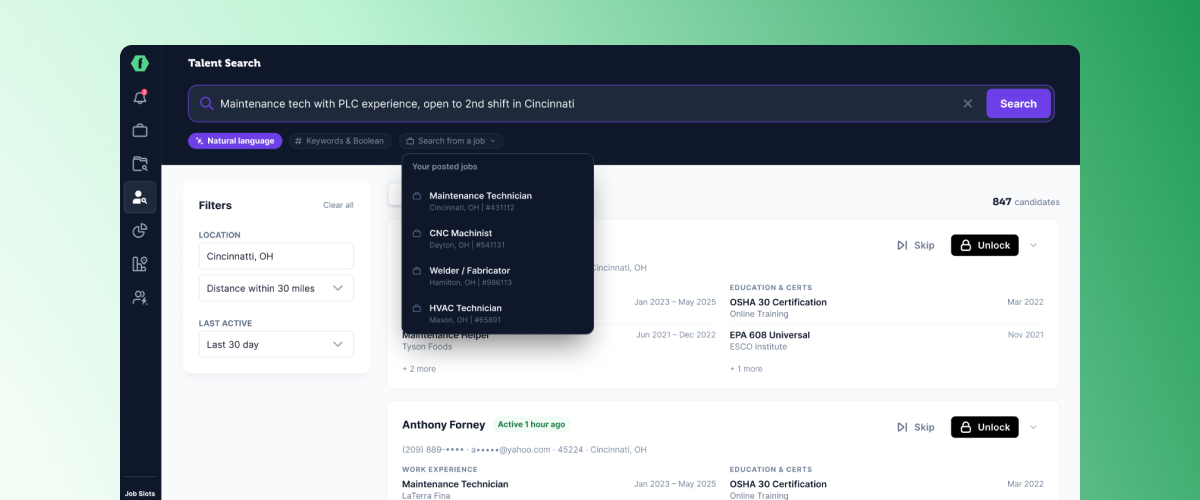
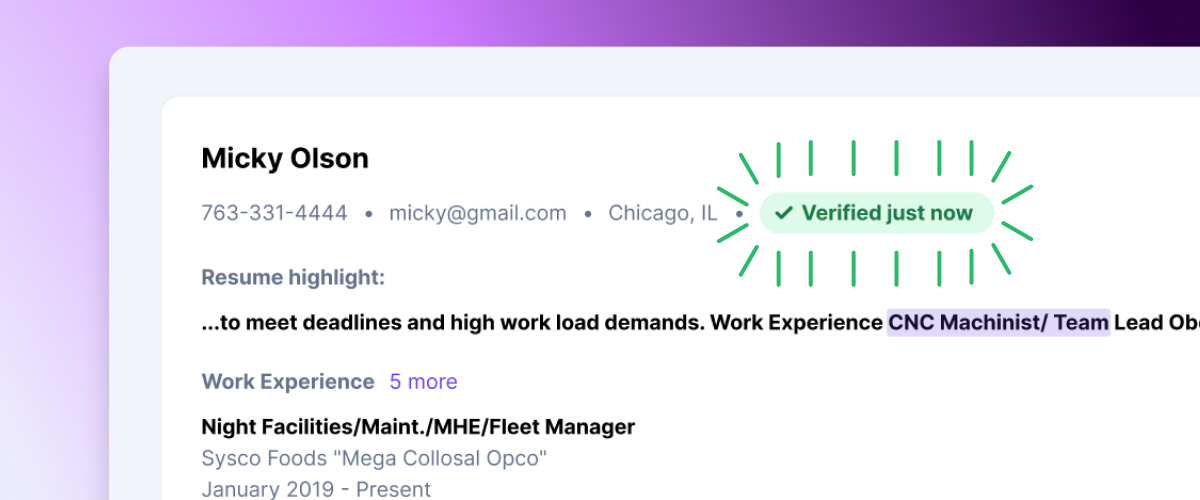
When you unlock a candidate, FactoryFix now checks for more current contact and resume data in the background. If updated information is available, the profile refreshes automatically. If the current profile is already up to date, you'll see a quick confirmation that it was checked. The moment you decide to reach out, FactoryFix is doing a fresh pass to make sure the candidate information is current and useful.
Find jobs for your marketable candidates
For staffing teams on annual subscriptions, this cycle adds the Job Match Report. Think about the candidate who felt like a sure placement until the client passed. Instead of letting that person sit, select them from Talent Search or your Candidate Archive, or upload a resume, and FactoryFix generates a report identifying direct employers in their area who are hiring for roles that fit. Each report includes location and freshness details plus short fit notes you can take into a sales call.
A strong candidate becomes a business development opening: new companies to call, new reqs to open, and a faster way to take your most placeable people to market. It also helps teams moving into industrial staffing see where the real demand is before committing to a new market.
"I think it's a great idea. I just started using them, and I've already brought in a new client from a Job Match Report." — Tom Tisdell, Axion Recruitment
Set the sourcing radius for each job
Each job can now have its own sourcing radius, with options at 15, 20, 25, 30, 50, or 100 miles. The default stays at 30, so existing jobs behave the same unless you change one. This affects active outreach to passive candidates only, not inbound applicants. Tighten the radius for hourly roles and dense metros, where a candidate 30 miles out might be 90 minutes away in traffic and that gap shows up later as a ghosted screen. Widen it for hard-to-fill roles where you need to reach further to find the right person. Either way, your AI recruiter stays focused on candidates who can realistically take the role.
.png)
Manage candidates from your phone
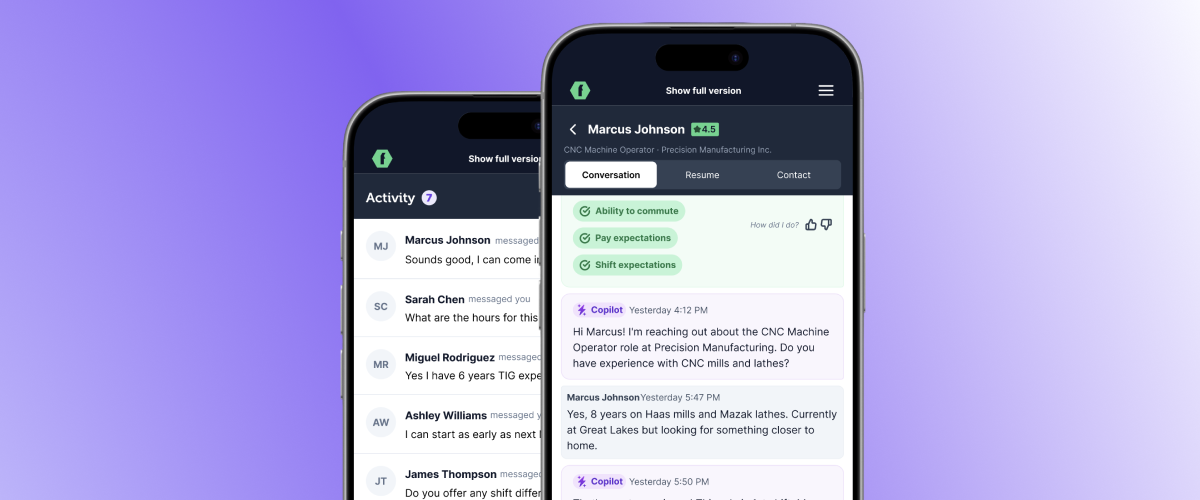
Your Activity feed now works on mobile, so you can keep candidate conversations moving from anywhere. Open the feed from your phone, reply to recent messages, and pull up a resume or contact details in the same place. Candidates often respond after their shift, when you're away from your laptop, and now you can answer right then while they're still engaged.
We've also improved the mobile layouts across the areas you reach for most, including Talent Search, Candidate Archive, My AI Recruiting Team, and the Performance Dashboard, so more of FactoryFix comes with you.
Try it today
Everything here is live in your account now. The best way to see the difference is to run a search you'd actually run. Log in to get started, or reach out to your FactoryFix rep for a walkthrough.
If you're not on FactoryFix yet, Book a demo and we'll walk you through the platform and everything new in it.
.svg)


